
Time-Lapse
Plant growth, construction progress, seasonal changes — anything you want to capture from the same angle, every time.
See your previous photo as a translucent
layer on the live viewfinder, and match
composition perfectly. iPhone only.

Same spot, but every shot ends up at a slightly different angle or position.
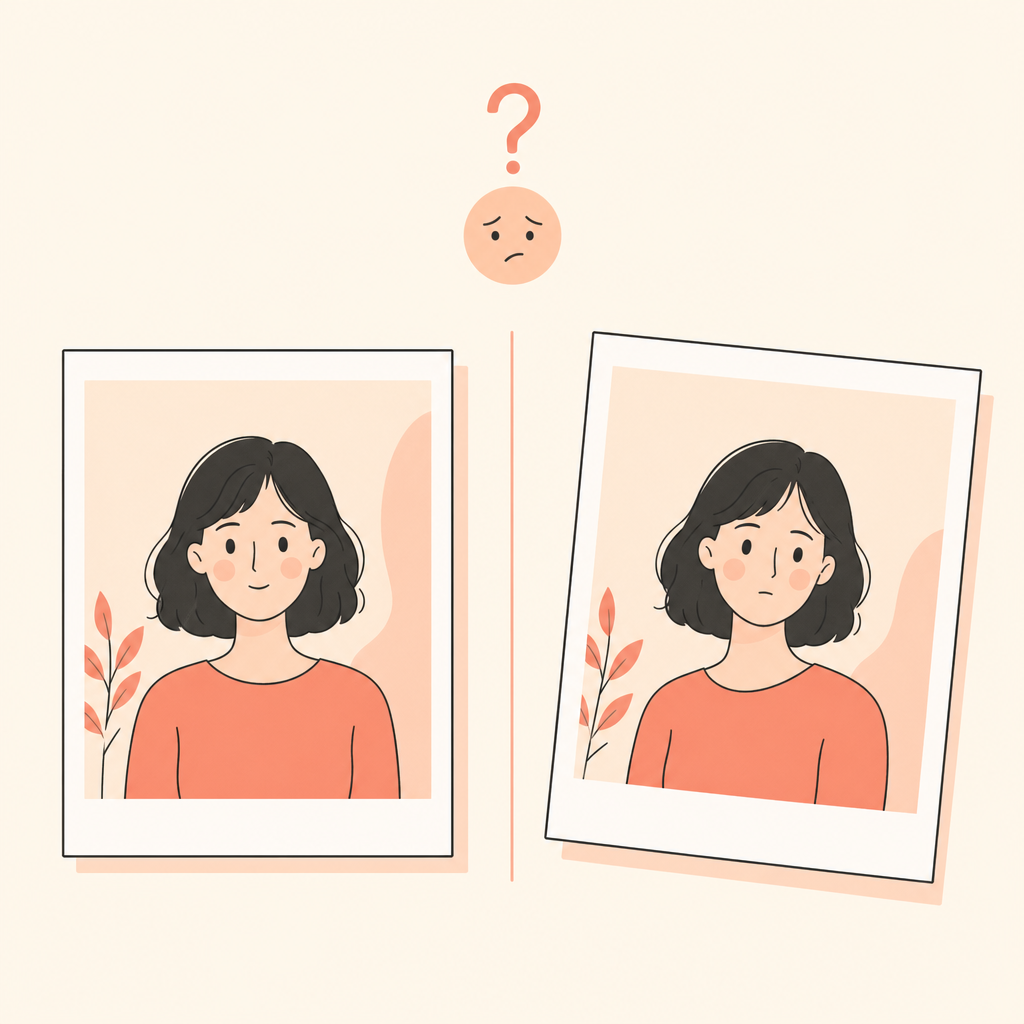
You want to compare the change, but the original framing is hard to recreate from memory.
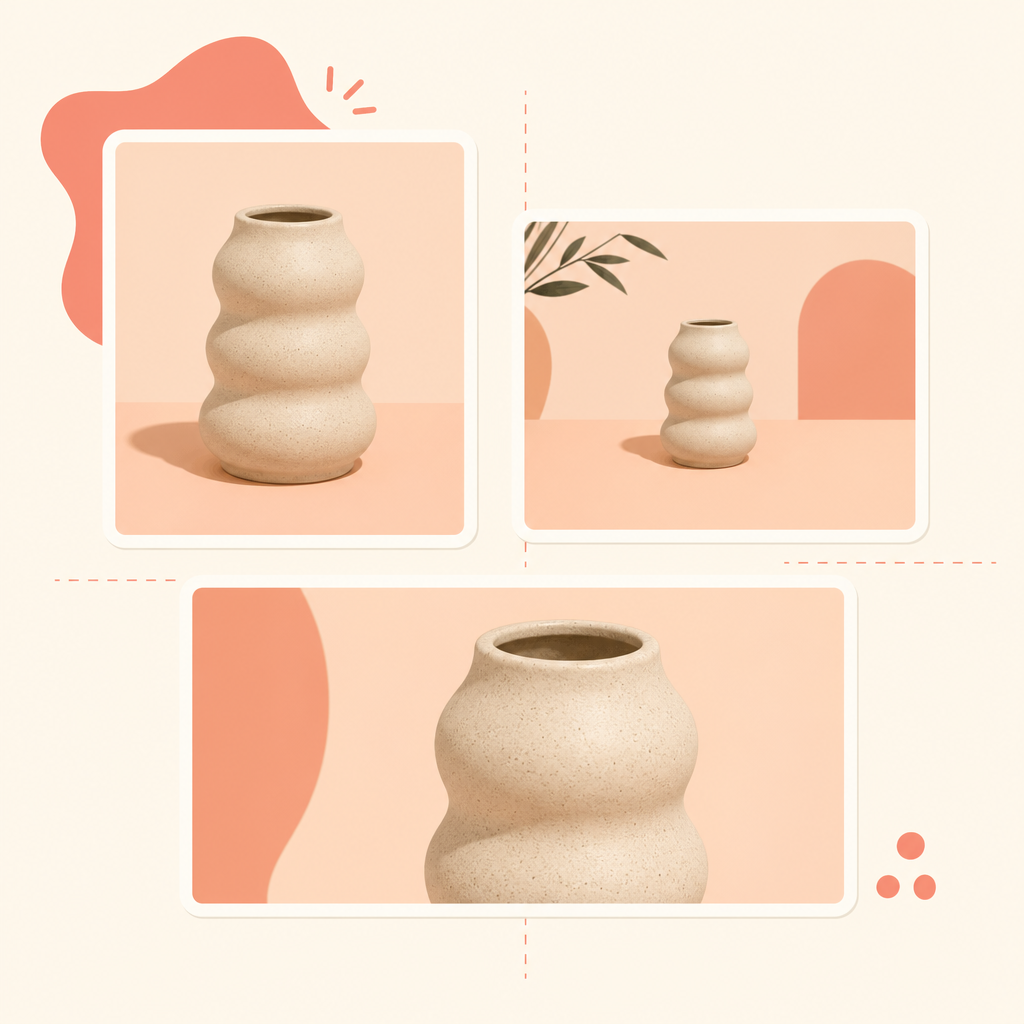
Every shot ends up at a different angle, and the lineup looks uneven.
kasanete fixes it — just overlay the previous photo and shoot.
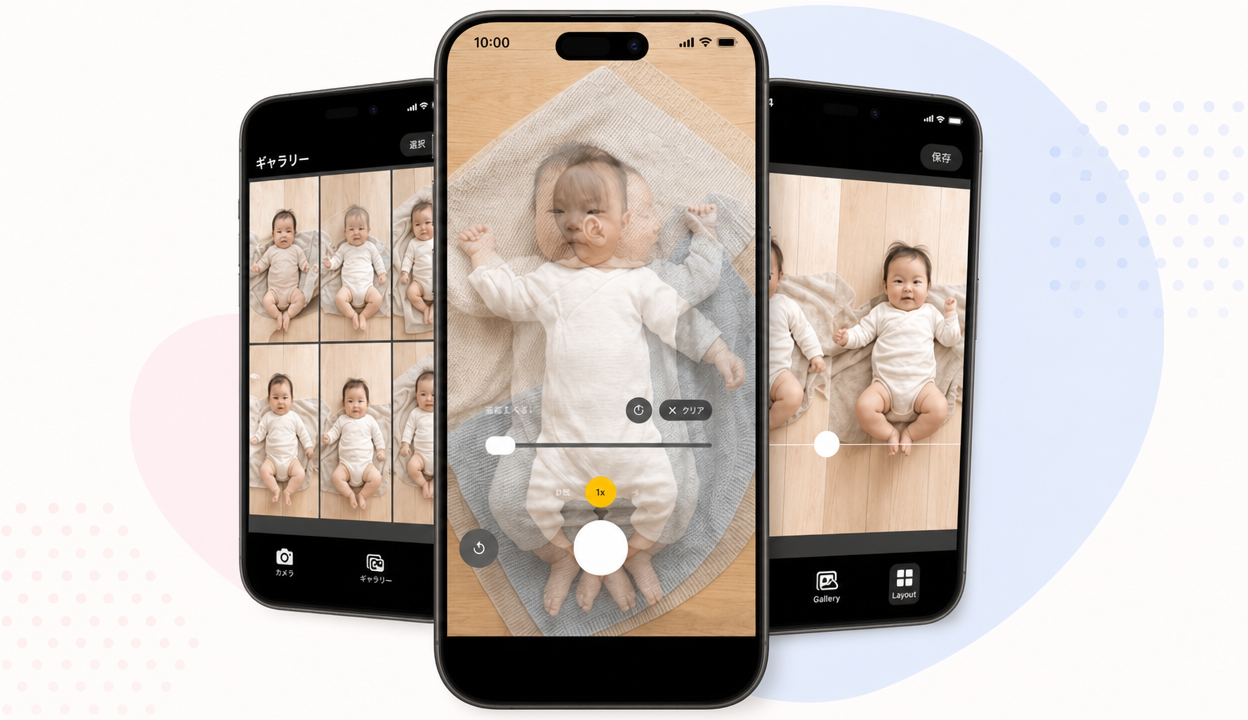
See your previous photo as a translucent overlay on the live viewfinder. Re-shoot the exact same composition.
Adjust overlay opacity from 0 to 80% with a slider. Find the perfect transparency for your subject.
Switch between 0.5x / 1x / 2x zoom. Make the most of your iPhone's camera lenses.
Photos taken with kasanete are saved to a dedicated album. Pick any one as your next overlay.
Right after capture, tap to switch between the overlay and your new photo. Check alignment instantly.
Rotate the overlay in 90° increments. Mix portrait and landscape photos with full flexibility.
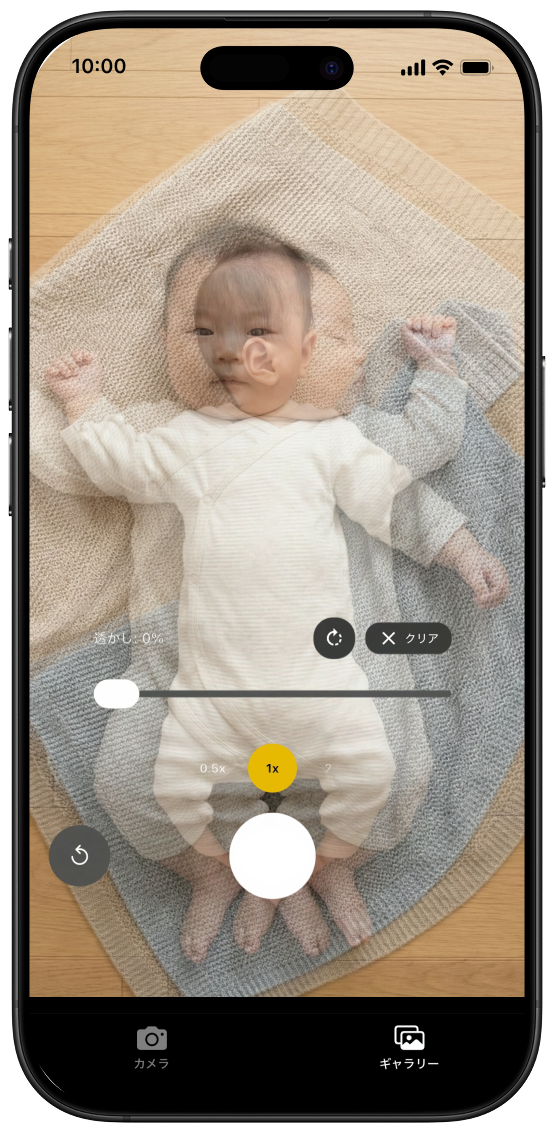
Plant growth, construction progress, seasonal changes — anything you want to capture from the same angle, every time.
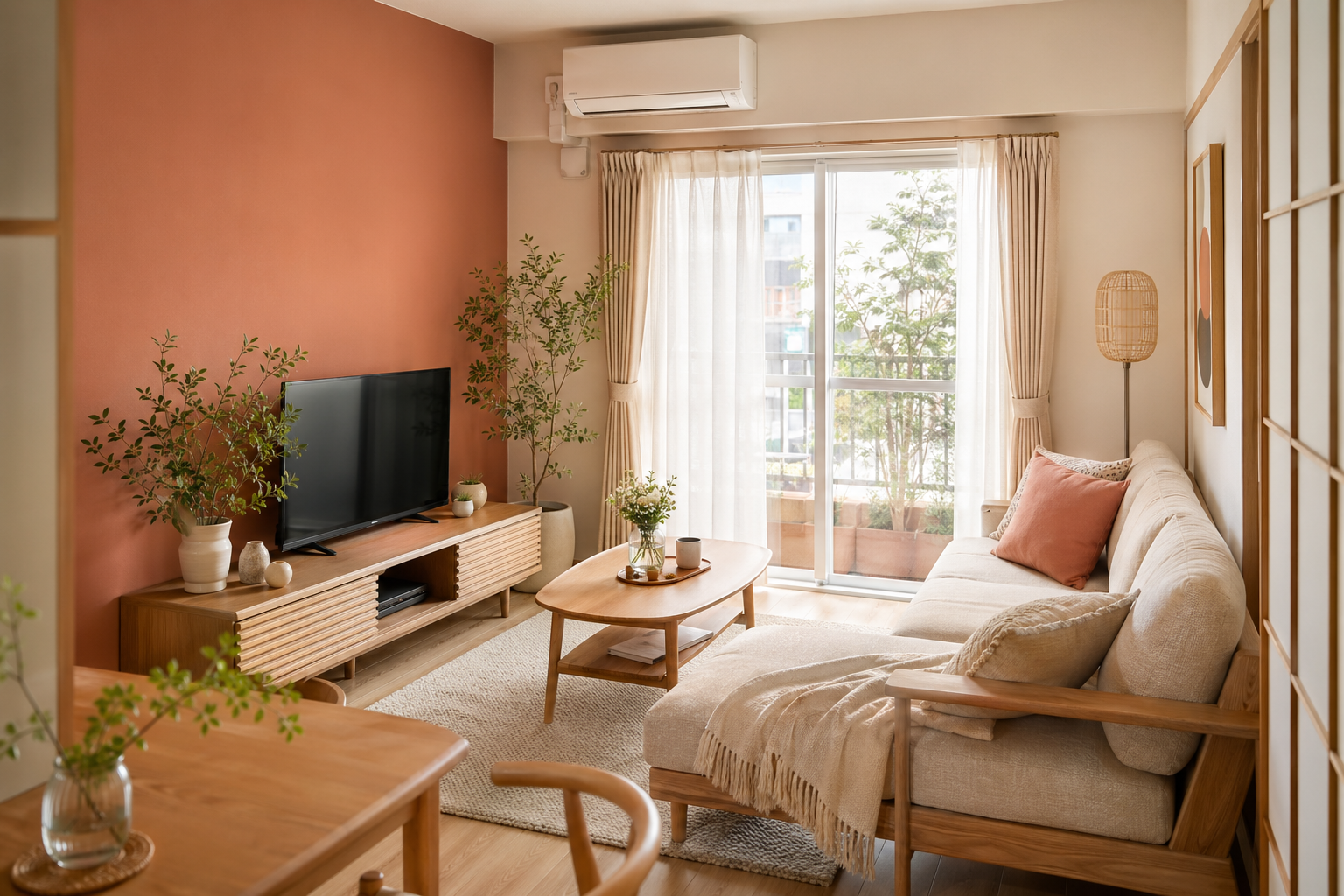
Room makeovers, renovations, repairs — compare the change accurately by matching the original frame.

Re-shoot a favourite photo from the same angle, or match a reference shot exactly — kasanete guides you.

Marketplace and e-commerce listings — shoot every product from the same angle for a clean, consistent look.
Choose the photo you want to overlay from the gallery. Photos taken with kasanete are right there.
See it as a translucent layer on the camera. Tweak opacity and rotation until the composition matches.
Hit the shutter. Tap right after to compare the original and the new shot side by side.
Every feature, free with ads.
Free
* iPad and Android are not currently supported.
Yes — kasanete is a free download. Ads are shown, but every feature is available for free.
iPhones running iOS 15 or later are supported. iPad is not currently supported.
Captured photos are saved to a "kasanete" album that's automatically created in your iPhone Photos library.
You can pick any photo from the in-app gallery. Photos captured with kasanete are eligible to be used as overlays.
Standard camera controls (tap-to-focus, front/back camera switching, zoom) work even while the overlay is shown.
kasanete currently supports Japanese and English. More languages are planned for future releases.
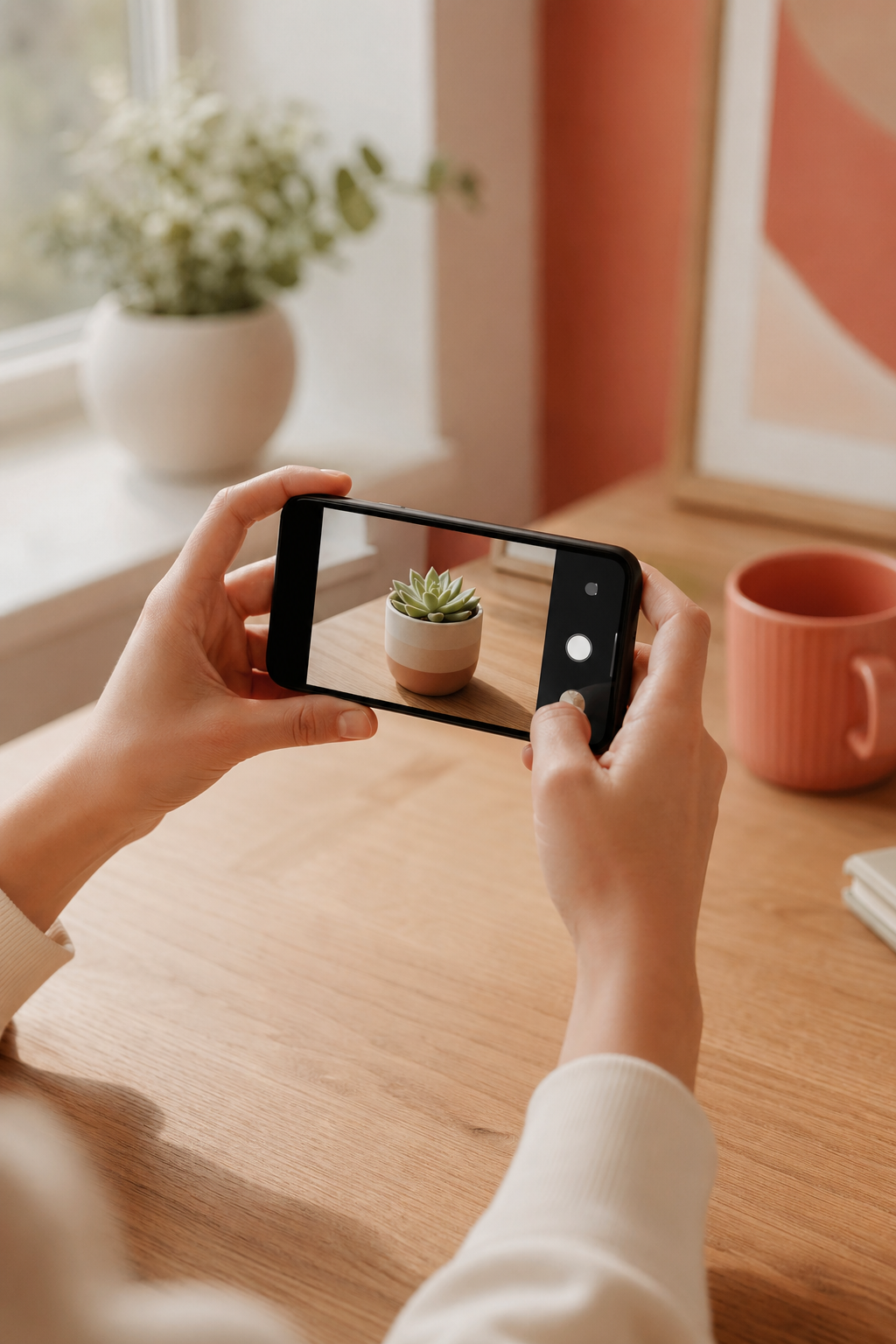
Match composition. Capture more.
Download kasanete today